 By Thezoqo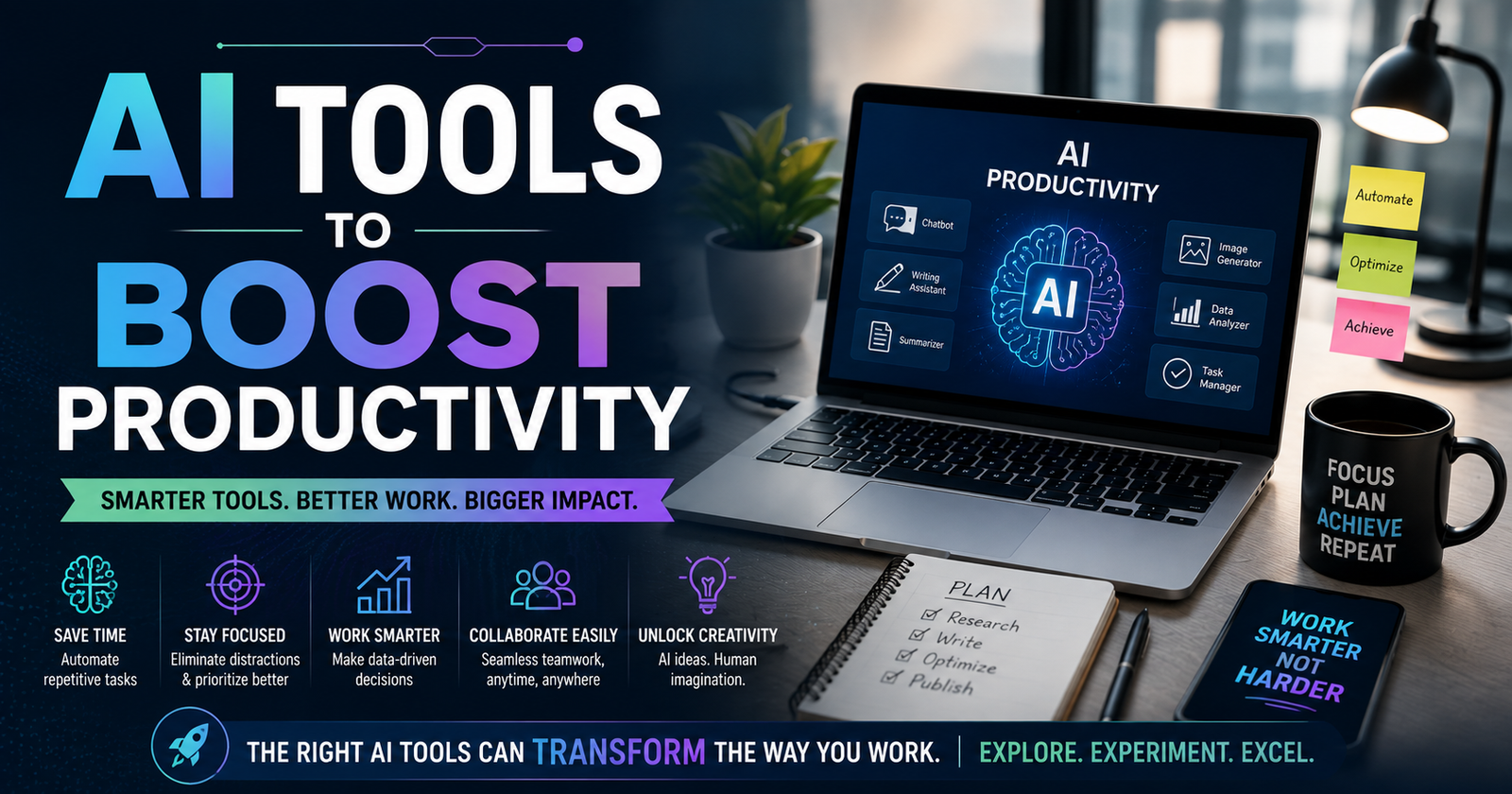
The modern workday is overcrowded with micro-tasks. Between drafting endless email replies, summarizing 45-page PDF reports, managing project timelines, and trying to pull strategic insights out of bloated spreadsheets, most professionals spend more time managing work than actually doing it.
This is precisely where leverage comes in. Integrating specialized AI tools to boost productivity into your daily operating procedure isn’t about replacing human judgment—it’s about eliminating cognitive drag. By delegating repetitive, time-consuming tasks to intelligent software, you free up your mental bandwidth for deep work, creative strategy, and high-impact decision-making.
Understanding the foundational history of artificial intelligence reveals how decades of computer science research have converged into accessible, natural-language software capable of augmenting human potential across every industry. In this guide, we dive into the most effective AI tools to boost productivity, dissecting how heavyweights like ChatGPT, Claude, and Gemini—along with top specialized apps—can transform the way you work.
The Big Three: Core Conversational AI Engines
Every productive workflow needs a foundational language model. These three flagship systems serve as your personal researchers, writers, programmers, and strategic thought partners.
1. ChatGPT (OpenAI)
AI tools to boost productivity that ignited the modern AI era, ChatGPT remains an indispensable Swiss Army knife for general task execution. Driven by OpenAI’s advanced models, it excels at brainstorming, writing code, drafting long-form content, and analyzing complex datasets.
- Best Used For: Drafting initial email templates, quick code debugging, rapid concept ideation, and custom custom-prompt workflows (GPTs).
- Productivity Impact: Functions as a 24/7 junior assistant capable of generating functional outlines and solving routine technical problems in seconds.
2. Claude (Anthropic)
Claude has earned a dedicated following among writers, researchers, and developers due to its nuanced, human-like writing tone and massive context window. Unlike models that feel robotic or overly formulaic, Claude processes long documents, books, and codebases with remarkable comprehension and subtle stylistic control.
- Best Used For: Editing long-form prose, analyzing lengthy PDF reports, extracting insights from complex research papers, and writing clean, maintainable code.
- Productivity Impact: Reduces the time required to read and summarize massive documents from hours to a few minutes.
3. Gemini (Google)
Gemini’s core advantage lies in its deep integration across the entire Google Workspace ecosystem. Because it connects directly to Gmail, Google Docs, Google Drive, and Google Sheets, it can retrieve information and draft content within the tools you already use every day.
- Best Used For: Pulling specific info across months of Google Drive files, drafting email replies in Gmail, and analyzing live web data with direct Google Search grounding.
- Productivity Impact: Eliminates the tab-swapping nightmare by bringing intelligence directly into your existing cloud document workflow.
For the latest tech tutorials, software reviews, and modern lifestyle strategies, explore the curated guides at thezoqo.
AI Tools for Smart Writing and Editing
Once you move beyond general LLMs, specialized writing engines help refine your voice, ensure clarity, and prevent blank-page paralysis.
4. Grammarly AI
Grammarly has evolved far beyond a basic spell-checker. Its integrated AI features help rewrite sentences for tone, adjust conciseness, generate contextual replies, and rephrase awkward phrasing directly inside your web browser or desktop app.
- Best Used For: Maintaining a consistent, professional communication tone across Slack, Gmail, and word processors.
5. Jasper AI
Designed specifically for enterprise marketing teams, Jasper offers specialized templates for ad copy, social media posts, blog outlines, and email campaigns while maintaining strict brand voice guidelines.
- Best Used For: Scaling high-volume marketing campaigns and maintaining branded messaging across multiple channels.
AI Tools for Research and Knowledge Management
Information overload is one of the biggest threats to daily efficiency. These specialized AI tools to boost productivity help you organize, search, and synthesize vast amounts of information instantly.
6. Perplexity AI
Perplexity acts as an answer engine that combines real-time web search with generative AI tools to boost productivity. Instead of giving you a list of blue links, it synthesizes search results into concise, cited answers, making academic and market research blazingly fast.
- Best Used For: Fast fact-checking, competitive market analysis, and sourcing verified references with direct link citations.
7. Notion AI
Integrated directly into Notion’s workspace, Notion AI tools to boost productivity can summarize meeting notes, extract action items, rewrite existing documentation, and search across your team’s entire internal knowledge base.
- Best Used For: Turning messy meeting transcripts into structured action items and building a searchable team wiki.
AI Tools for Meetings and Audio Transcription
Unnecessary meetings drain productive hours. Automated transcription and summarization tools ensure you capture key decisions without taking manual notes.
8. Otter.ai
Otter joins your virtual meetings on Zoom, Google Meet, or Microsoft Teams to capture real-time audio, generate live transcripts, and automatically extract key action items and summaries for attendees.
- Best Used For: Eliminating manual note-taking during team syncs and keeping absent team members updated.
9. Fireflies.ai
Fireflies records, transcribes, and analyzes voice conversations across all major meeting platforms. Its AI search feature lets you filter conversations by specific keywords, sentiment, or speaker, saving time during post-meeting follow-ups.
- Best Used For: Sales teams tracking client requirements and project managers auditing meeting history.
AI Tools for Design and Visual Communication
You no longer need advanced graphic design skills to create compelling visuals for presentations, social media, or marketing materials.
10. Midjourney
For high-end image generation, Midjourney produces stunningly realistic photos, artistic illustrations, and concept art from simple text descriptions.
- Best Used For: Custom blog headers, pitch deck visual concepts, and mood boards.
11. Canva Magic Studio
Canva’s suite of AI features enables users to instantly remove image backgrounds, generate custom graphics, expand photo boundaries, and convert text documents into polished presentations automatically.
- Best Used For: Rapid social media graphics, corporate slide decks, and marketing flyers.
AI Tools for Automation and Coding
Automating repetitive cross-platform workflows and speeding up software development yields massive time savings.
12. Zapier Central
Zapier Central lets you build AI bots that interact across thousands of web applications. You can teach a bot to monitor incoming emails, extract data, update a CRM, and post a summary to Slack automatically.
- Best Used For: Creating custom, multi-app automation workflows using natural language prompts.
13. GitHub Copilot
For developers, GitHub Copilot acts as an AI pair programmer inside code editors. It auto-completes code blocks, suggests functions, and writes unit tests in real time, dramatically accelerating software development speed.
- Best Used For: Reducing boilerplate coding work and speeding up software debugging.
AI Tools for Task and Schedule Optimization
Managing calendars, deadlines, and project priorities can consume hours of administrative energy every week.
14. Motion
Motion uses AI to automatically build your daily schedule. By analyzing your open tasks, meeting requests, deadlines, and working hours, Motion dynamically reorganizes your calendar whenever priorities change.
- Best Used For: Auto-scheduling deep work blocks and managing volatile project deadlines effortlessly.
15. Reclaim.ai
Reclaim integrates with Google Calendar to automatically protect time for your habits, lunch breaks, routine tasks, and one-on-one meetings, ensuring high-priority items stay on your schedule.
- Best Used For: Preventing calendar overload and maintaining work-life balance automatically.
How to Build Your Personal AI Productivity Stack
With so many AI tools to boost productivity available, introducing too many at once can cause operational chaos. Follow this simple framework to integrate AI into your daily workflow cleanly:
- Identify Bottlenecks: Audit your typical workweek and pinpoint the tasks that consume the most time with the least creative return (e.g., meeting notes, email drafting, data entry).
- Start with One Core Engine: Pick one primary LLM (ChatGPT, Claude, or Gemini) and master prompt engineering before adding specialized single-purpose apps.
- Automate One Workflow at a Time: Focus on fully automating a single repetitive process—like generating meeting summaries—before moving on to another.
- Maintain Human Oversight: Always review and refine AI-generated outputs. Treat AI tools as eager junior assistants whose work requires your final seal of approval.
Frequently Asked Questions
Which AI tool is best for overall productivity?
For general utility, ChatGPT and Claude are top picks due to their versatility in writing, coding, and brainstorming. If your work relies heavily on Google Docs and Gmail, Gemini offers seamless built-in workspace integration.
Are free versions of these AI productivity tools enough?
Free tiers of ChatGPT, Gemini, and Claude are more than sufficient for casual daily tasks. However, upgrading to paid plans unlocks access to faster response times, higher usage limits, advanced data analysis tools, and file upload capabilities.
How do AI tools save time during the workday?
These tools accelerate workflows by automating repetitive micro-tasks: summarizing long documents instantly, drafting initial email responses, organizing schedules, generating meeting action items, and providing instant research answers without traditional web searching.
Final Thoughts: Work Smarter with AI
Adopting AI tools to boost productivity is no longer a trendy luxury—it is a core strategy for modern professionals who want to maximize output while maintaining work-life balance.
By strategically deploying ChatGPT for rapid ideation, Claude for nuanced writing, Gemini for workspace integration, and specialized utilities for meetings and scheduling, you can reclaim hours of lost time every week. Start experimenting with these tools today and build a workspace that works for you!
Hey there fellow players I just stumbled upon this spot and I am really loving the vibe here. The games run super smooth and the support team actually replies fast which is rare to find. If you are looking for a solid place to play without any drama just check it out and let me know what you think. vndt66